Registering a Camp
To register your theme camp for a burn:
- Visit edit.dust.events
- Sign in with your email address
- You'll receive a verification code to confirm your identity
- Select the burn
From the list of options choose Register Camp:
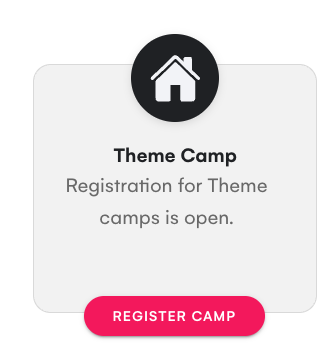
Registering a Camp
When registering, you'll need to provide:
- Camp Name - Your camp name
- Description - A description of what your camp is about and what burners can expect. This is shown to the public in the dust app.
- Camp Image - A logo, artwork, or photo representing your camp. While optional, camps with images stand out more in the app.
Your burn may have custom questions as part of registration, such as:
- Placement requirements
- Power needs
- Expected camp size
- Special requests or accommodation needs
Your answers to these questions are private and only visible to you and the burn's organizers—not to the public.
Click Save to submit your registration.
Once submitted, your theme camp enters the review queue. The burn's organizers will review your submission and may publish it to the dust app after approval.
Changes to your Camp
You can edit your camp information even after submitting your registration:
- Visit edit.dust.events
- Sign in with your email
- Select
Camps:
You'll see the camp(s) you have registered:
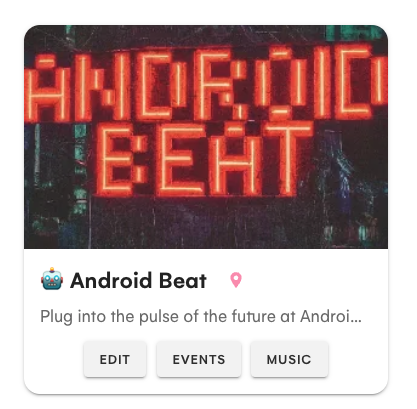
Adding other Camp Leads
Click Edit and under the Camp Owner(s) add any additional email addresses for leads who can then add events, create the DJ lineup, or manage camp information.
When you have added additional camp owners they can see the camp by signing into edit.dust.events. They may need to sign out and sign in again to see the camp.
Events at the Camp
Click Events to manage the events that are happening at the camp.
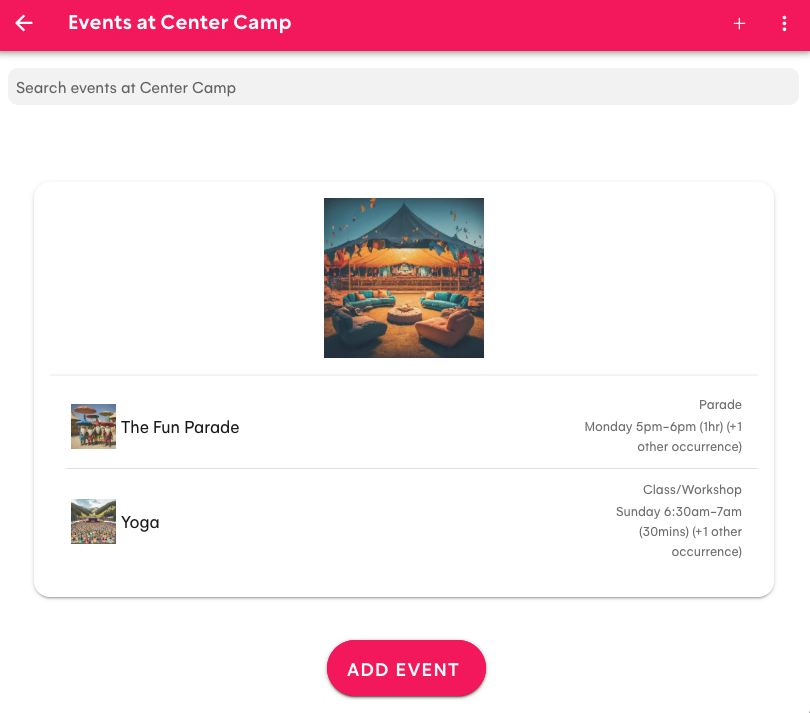
Click Add Event to add a new event, or click on one of the existing events to change the event. Note: Use Add Occurrence for events that repeat.
Music at the Camp
Click Music to manage the DJs and performances that are happening at the camp. These are published in the dust app under the Music tab rather than Events.
Review by Organizers
When you save changes the burn organizers will review any changes before they are published in the app.